Studio — photo to model
Available nowUpload one photo, get a textured quad mesh as an FBX you can open in 3ds Max, plus a GLB for previewing. Takes a few minutes.
Open the Studio →OutputFBX · quad mesh
PreviewGLB
Opens in3ds Max
Timea few minutes
Photo → editable 3D model
An AI studio for interior designers and architects in Egypt. Upload a photo of a furniture piece or design element and get a ready-to-use GLB file for your projects.
Real examples
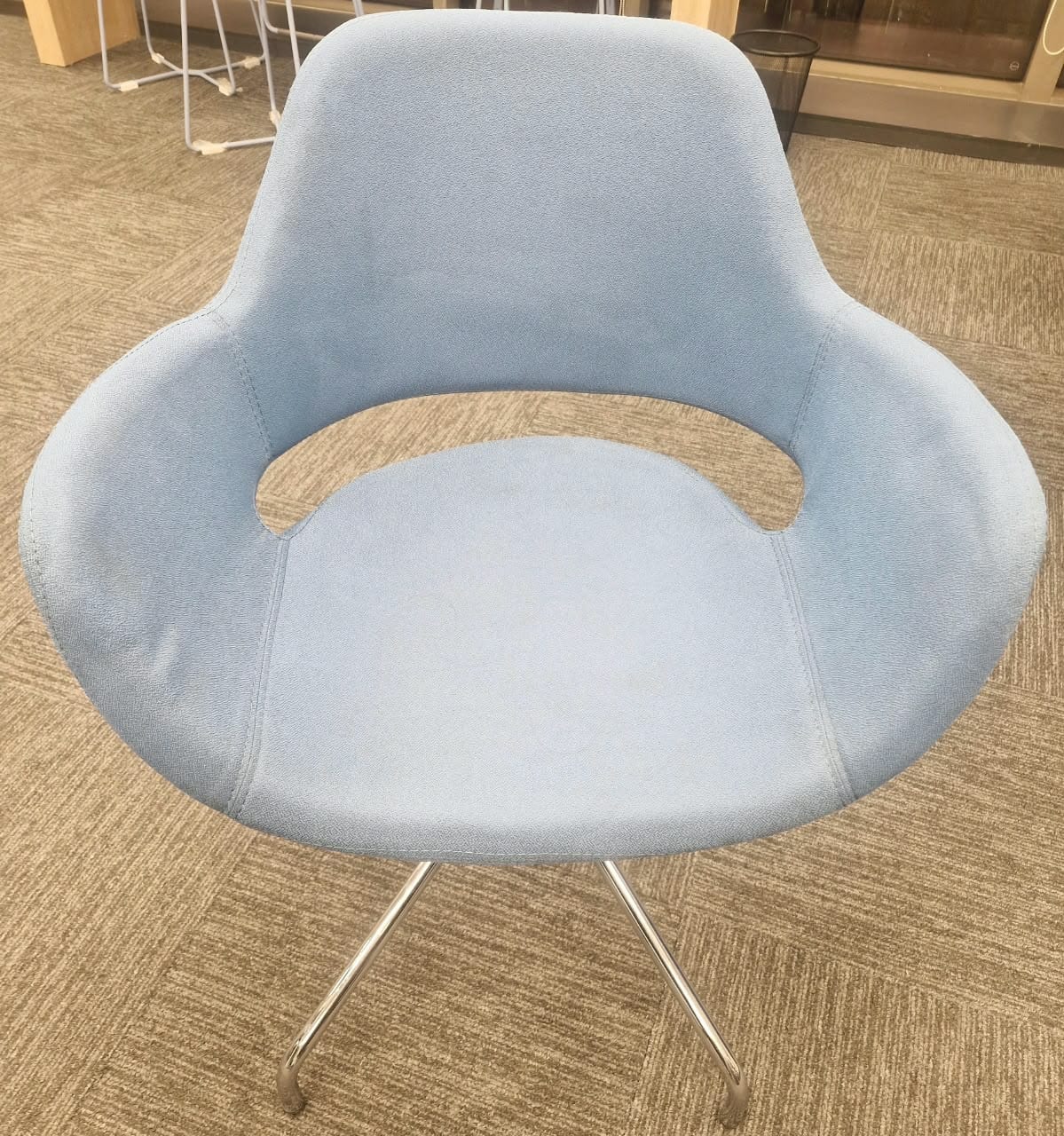
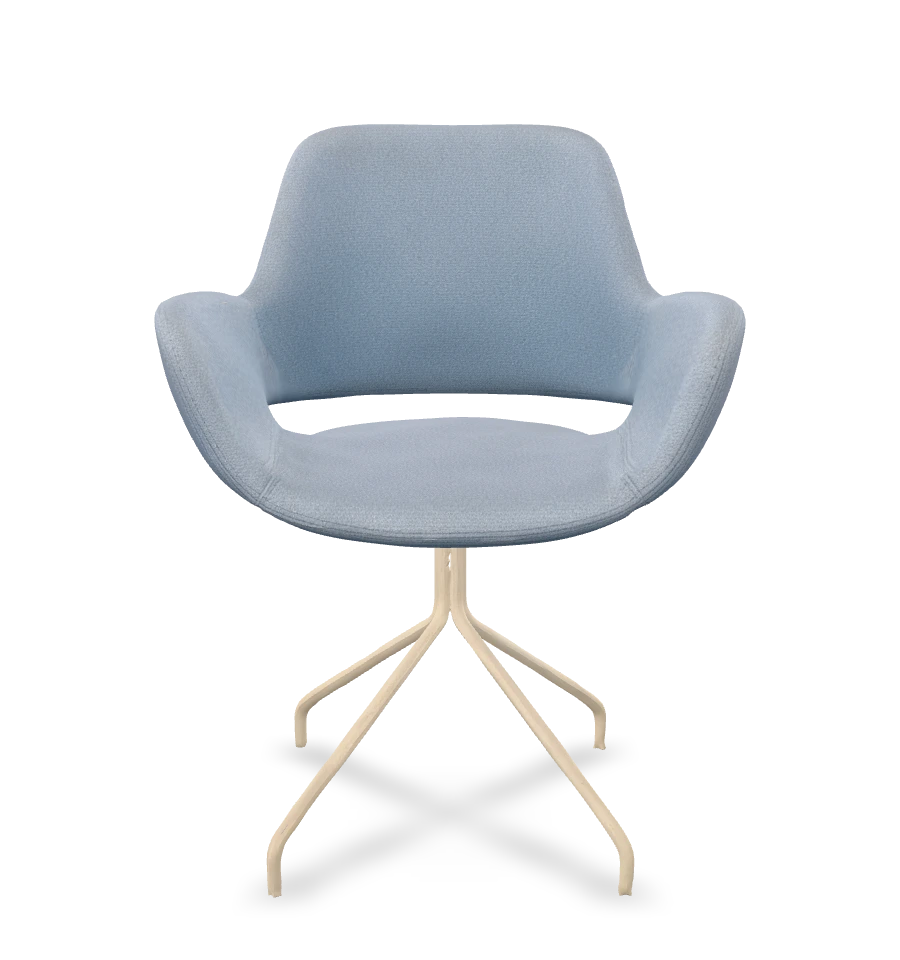
Photos taken on a phone, and the model they produced
The same file the Studio hands you — no account needed. Open it in 3ds Max, Blender, SketchUp, or Windows 3D Viewer and inspect it properly.
Drag to rotate the model, scroll to zoom.
A platform in two parts
A searchable library of ready-to-download 3ds Max, FBX, and OBJ models, from real designers, under clear licensing.
How it works
Name, email, password and phone — one code confirms the number
Any clear photo of a furniture piece or design element
Usually ready in a few minutes
A ready-to-use GLB file for your project
Pricing
33EGP — starting price
Buy credits once and spend them when you need them — no subscription, and they don't expire. New accounts start with 100 free credits, so you can try it on your own photos before you buy anything.
Output is a textured mesh, good for presentation and concept massing — not a drop-in replacement for a production 3ds Max block.